If you’re searching for a Closelyhq review, you’re probably trying to see if this tool can really help you get more replies and book more meetings on LinkedIn and email.
CloselyHQ promises safe LinkedIn automation, AI-written messages, and real-time lead enrichment in one platform.
In this review, we share what CloselyHQ actually does well, where it feels limited, how much it costs, and who should use it in 2026.
By the end, you’ll know if CloselyHQ is the right tool for your outbound work or if you should look at other options.
CloselyHQ Review: Key Takeaways
CloselyHQ is a B2B outbound platform that helps sales teams run LinkedIn and email outreach together from one place.
The tool automates LinkedIn actions like profile visits, connection requests, and follow-ups to save time on manual prospecting.
CloselyHQ uses smart limits, delays, and warm-up mode to keep LinkedIn automation safer and more human-like.
AI inside CloselyHQ writes personalized LinkedIn messages and emails using profile and company data.
Leads can be enriched in real time with verified business emails, phone numbers, job titles, and company details from 30+ data sources.
All LinkedIn and email replies are managed in one unified inbox so teams can respond faster and avoid duplicate outreach.
What is CloselyHQ?
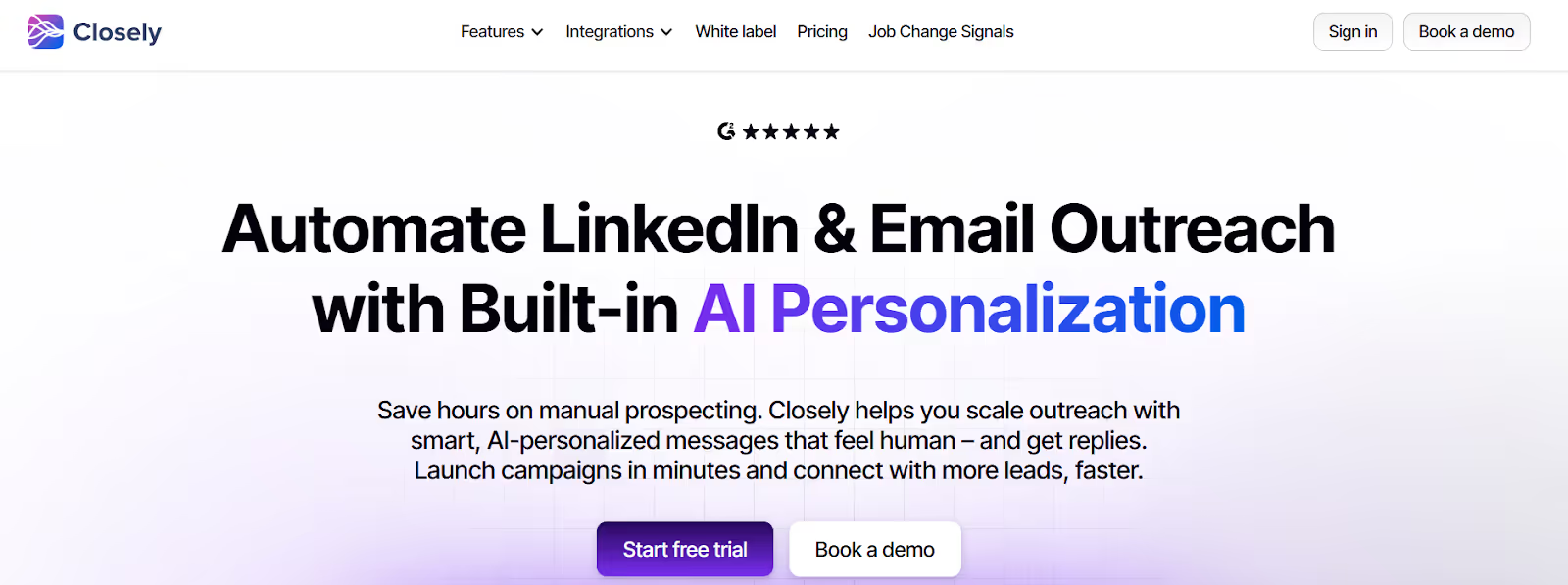
This image shows the Closelyhq homepage
CloselyHQ is a B2B sales outreach tool for teams that want to run LinkedIn and email campaigns from one place.
It helps teams find leads on LinkedIn, send connection requests, follow-ups, and emails, and manage replies without doing manual work every day.
Closely automates LinkedIn actions like profile visits, connection requests, and messages using smart limits, delays, warm-up mode, and dedicated proxies to keep accounts safer while scaling outreach.
It also enriches leads with verified work emails, phone numbers, job titles, company size, and other details in real time, and uses AI to research prospects and write personalized messages.
In short, Closely helps sales teams reach more people on LinkedIn and email, personalize outreach at scale, manage replies in one inbox, and sync all activity to HubSpot, Salesforce, Pipedrive, and GoHighLevel to turn cold leads into real sales conversations.
Personalized Outbound Strategy
Get The Right Outbound Strategy In Minutes
Enter your email to get a custom plan & stack recommendation for your
business
It's being carefully crafted by AI
Please check your mailbox in 5 minutes
How CloselyHQ Works?
CloselyHQ is built to automate LinkedIn and email outreach without making your accounts look like bots.
It connects your LinkedIn and email accounts, then runs safe outreach with AI, enrichment, and CRM sync in the background.
Here is how CloselyHQ works step by step in real campaigns:
You connect your LinkedIn account and email account to CloselyHQ to run multichannel outreach from one place.
CloselyHQ pulls leads from LinkedIn Search, Sales Navigator, Recruiter, posts, groups, events, and CSV files.
The tool automates profile visits, connection requests, follow-up messages, post likes, and email steps using smart delays and safety limits.
CloselyHQ uses warm-up mode, activity caps, and dedicated proxies to reduce the risk of LinkedIn restrictions.
You can build multichannel sequences that stop automatically when a prospect replies to your LinkedIn message or email.
CloselyHQ uses AI sales agents to research companies, qualify leads based on your ICP, and generate personalized LinkedIn messages and emails.
Leads are enriched in real time with verified emails, phone numbers, job titles, company size, tech stack, and buying signals from 30+ data sources.
All LinkedIn DMs, InMails, and email replies are synced into one inbox for faster follow-ups and team collaboration.
Outreach results like connection acceptance rates, reply rates, meetings booked, and pipeline created are tracked in one analytics dashboard.
Top Features of CloselyHQ
CloselyHQ brings LinkedIn automation, email outreach, AI personalization, and lead enrichment into one tool. Below are the main features people use Closely for in real campaigns.
Feature
What It Does
Safe LinkedIn Automation
Sends profile visits, connection requests, follow-ups, and messages with controlled limits, timed delays, warm-up mode, and proxy support to reduce account risk.
LinkedIn and Email Campaigns
Runs LinkedIn and email steps within one campaign. Outreach automatically stops when a prospect replies.
AI Message Writing
Generates personalised LinkedIn messages and emails using profile and company data.
Real-Time Lead Data
Finds work emails, phone numbers, job titles, and company details in real time across multiple data sources.
Waterfall Data Verification
Checks multiple data providers sequentially to locate emails and phone numbers when one source fails.
Unified Reply Inbox
Displays LinkedIn and email replies in one inbox with periodic syncing.
LinkedIn Lead Import
Imports leads from LinkedIn search, Sales Navigator, posts, groups, events, profile URLs, and CSV uploads.
AI Sales Agents
Assists with lead research, qualification checks, and message drafting.
Chrome Extension
Exports LinkedIn profiles to CSV and retrieves contact data for outreach.
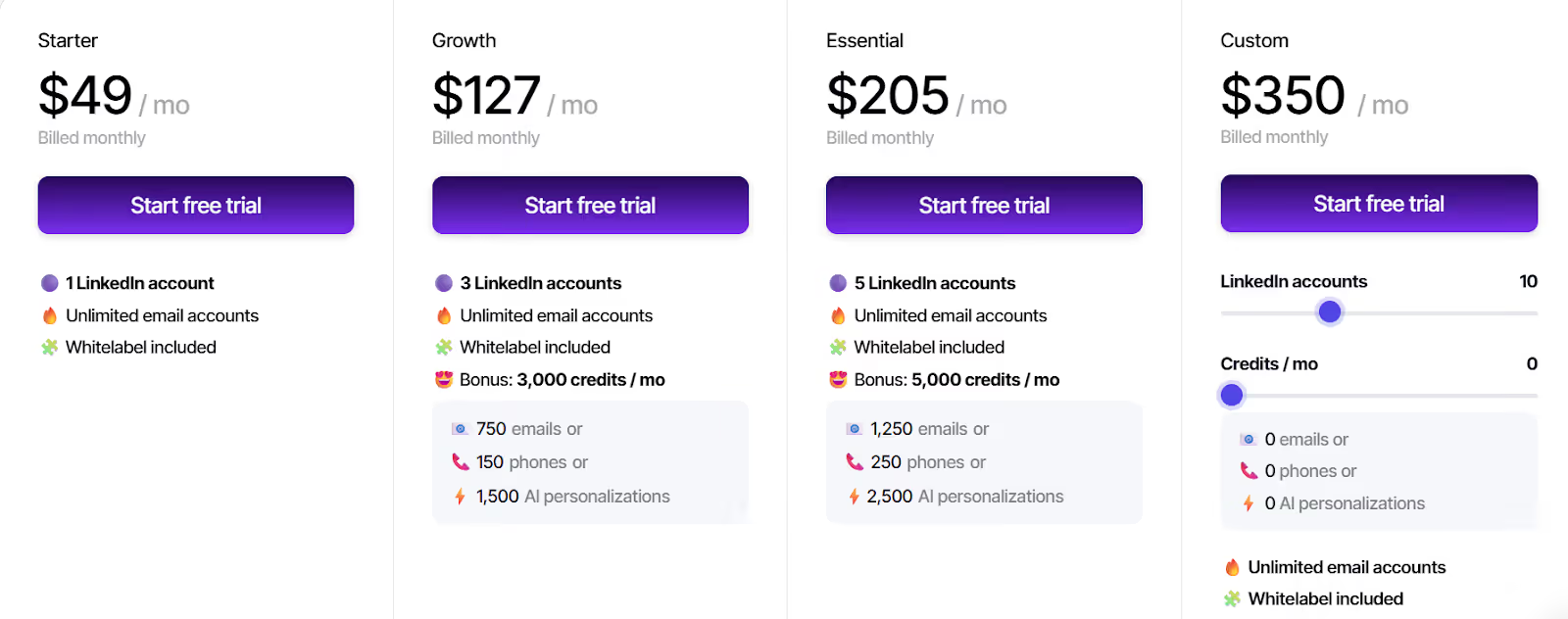
Growth – $127/month, includes 3 LinkedIn accounts, unlimited email accounts, white-label access, outreach automation, LinkedIn warm-up, smart inbox, CRM sync, 3,000 credits per month for emails, phone numbers, or AI personalization, and 24-hour chat support.
Essential – $205/month, includes 5 LinkedIn accounts, unlimited email accounts, white-label access, outreach automation, LinkedIn warm-up, smart inbox, CRM sync, 5,000 credits per month for emails, phone numbers, or AI personalization, and 24-hour chat support.
Custom – $350/month, includes 10 LinkedIn accounts, unlimited email accounts, white-label access, outreach automation, LinkedIn warm-up, smart inbox, CRM sync, and 24-hour chat support, with no bonus credits included.
You can choose monthly or yearly billing, and yearly billing gives a discount (up to 40% off, based on your pricing page).
Top 5 Pros and Cons of CloselyHQ
Pros
Cons
Runs safe LinkedIn automation with smart limits, delays, warm-up mode, and proxies.
Lets you run LinkedIn and email outreach in one flow.
Uses AI to write personal messages for LinkedIn and email.
Finds work emails and phone numbers in real time from 30+ sources.
Syncs replies and actions to HubSpot, Salesforce, Pipedrive, GoHighLevel, and Zoho.
The inbox is not real time, so new messages can take hours to show.
Sending is limited by LinkedIn rules on how many requests you can send.
Email finding, phone numbers, and AI tasks use credits.
Messages can show as “read” on LinkedIn because of how syncing works.
Some email steps need CSV import or an email-find step first.
Is CloselyHQ the Right Fit for You?
CloselyHQ is for teams that want to automate LinkedIn and email outreach in one place.
It works best when you need safe LinkedIn automation, AI help for messages, and real-time lead data.
I. CloselyHQ is a good fit if you:
Run LinkedIn and email outreach together in one campaign.
Want to automate profile visits, connection requests, and follow-ups on LinkedIn.
Need AI to help write personal messages at scale.
Want real-time emails and phone numbers for your LinkedIn leads.
Use HubSpot, Salesforce, Pipedrive, GoHighLevel, or Zoho CRM and want clean sync.
Manage more than one LinkedIn account and want to scale outreach safely.
II. CloselyHQ may not be the right fit if you:
Only need a basic tool to send manual LinkedIn messages.
Want a real-time chat inbox instead of a synced inbox with delays.
Do not want to use credits for email finding, phone numbers, and AI tasks.
Need to send very high LinkedIn volume from one account beyond LinkedIn limits.
Best CloselyHQ Alternative for Multi-Channel Outreach – Salesforge
CloselyHQ helps teams run LinkedIn actions and email steps with AI support.
But most of its value comes from LinkedIn automation and contact enrichment.
If you want to run cold outreach on both LinkedIn and email at large scale, you need stronger sending control and inbox safety.
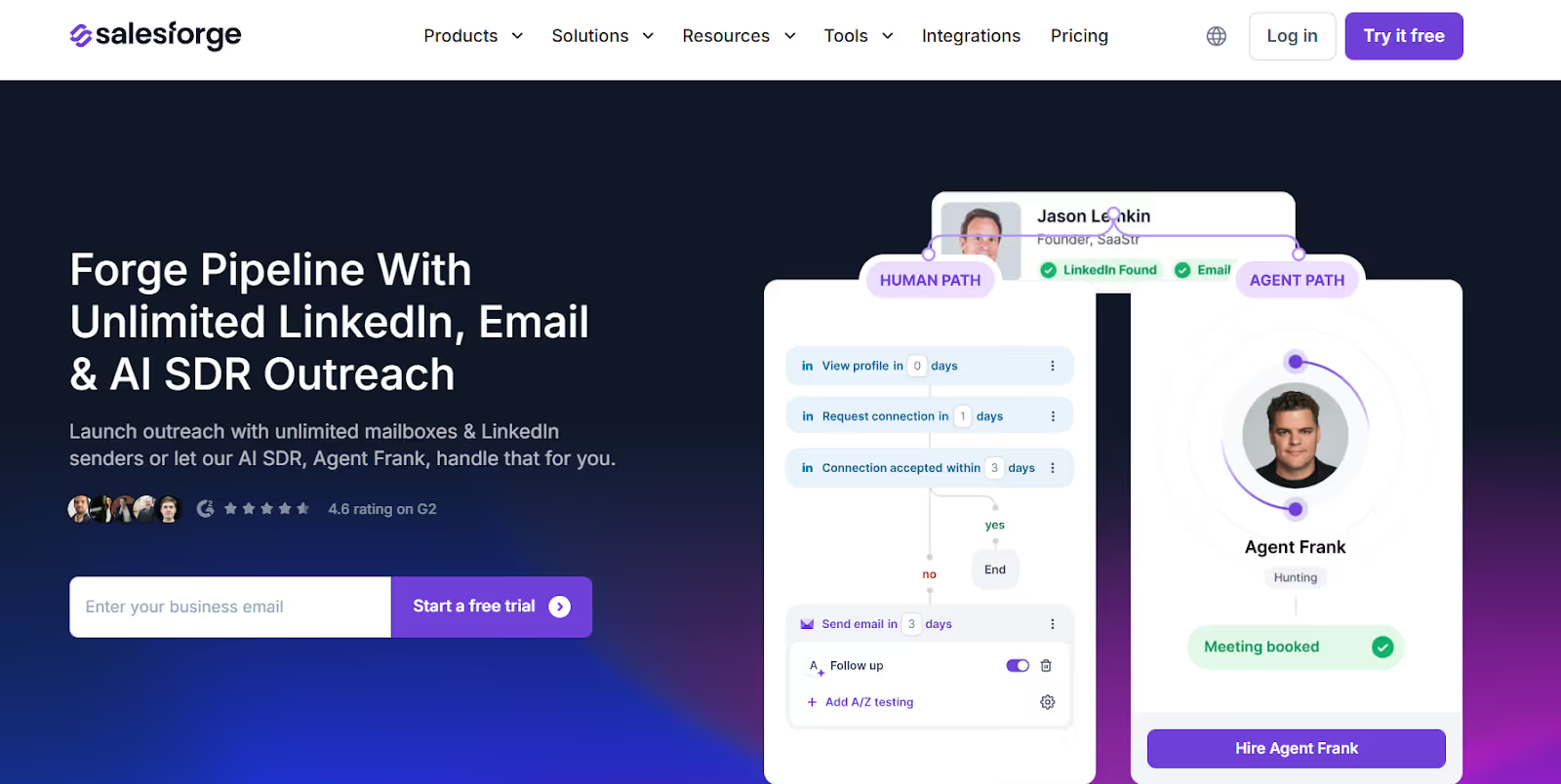
This image shows the Salesforge homepage
Salesforge is a multi-channel outbound tool made for cold email and LinkedIn at scale, not just LinkedIn actions.
You can connect many email inboxes and many LinkedIn profiles to spread your sends.
This reduces risk on any one account and keeps your outreach stable as you grow.
CloselyHQ vs Salesforge: Quick Comparison
Feature
CloselyHQ
Salesforge
Main Channel
LinkedIn and Email
LinkedIn and Email
AI SDR
AI agents for research and copywriting
Agent Frank for LinkedIn and email outreach
How You Scale
Add more LinkedIn accounts and user seats
Use unlimited inboxes and LinkedIn senders
Outreach Style
LinkedIn actions combined with email steps
Structured multi-channel sequences
Book Meetings
Through LinkedIn or email replies
Through LinkedIn or email replies
Inbox Safety
Relies on LinkedIn limits and delays
Includes warm-up, mailbox rotation, and health monitoring
Unified Inbox
Combined LinkedIn and email inbox
Primebox for all LinkedIn and email replies
Best For
LinkedIn-focused prospecting teams
Building a large and controlled outbound pipeline
If your work is mostly LinkedIn actions with some email steps, CloselyHQ is fine.
If you want to scale cold email and LinkedIn together without burning accounts, Salesforge is the better CloselyHQ alternative.
Personalized Outbound Strategy
Get The Right Outbound Strategy In Minutes
Enter your email to get a custom plan & stack recommendation for your
business
It's being carefully crafted by AI
Please check your mailbox in 5 minutes
Is CloselyHQ Worth It for LinkedIn Automation?
Yes, if your main goal is to automate LinkedIn outreach and manage some email steps from one place, CloselyHQ is a solid choice.
But if you want to scale outreach across many inboxes and LinkedIn senders with strong deliverability and higher volume, CloselyHQ can feel limited by plan-based LinkedIn account caps.
For teams focused on large, safe multi-channel outreach and steady pipeline growth, Salesforge is a better fit.
It lets you run LinkedIn + email outreach at scale, use AI SDR Agent Frank to handle follow-ups, and manage all replies in one inbox.
Thinking about Freckle.io for CRM enrichment? Read this honest Freckle review covering features, pricing, pros, cons, and the best alternatives in 2026.



.jpg)

.jpg)

.jpg)
