HeyReach campaigns sometimes take two days to start sending. That's not the deliverability lag. That's the platform.
The product is fine. The multi-account dashboard works. Sender rotation works. The unified inbox is useful for agencies running 5+ senders. None of that is in dispute.
What's in dispute is everything around the product. G2 reviews show customer support averaging 1-2 days to reply when something breaks. Sequences sometimes fail to save your edits, so you lose campaign work. Adding a new LinkedIn account can take five or six attempts. Refunds aren't offered, even when the platform malfunctions mid-campaign.
Then there's the pricing math. HeyReach Starter is $59/seat/month (billed annually). Five reps with one LinkedIn account each is $295/month for LinkedIn alone, before you've added the email tool you actually need.
Salesforge Growth costs $80/month (billed annually) and includes unlimited LinkedIn senders, unlimited mailboxes, and unlimited users.
I've spent the last few quarters comparing outbound platforms for sales teams, agencies, and founders running cold outreach.
Every tool here was evaluated on pricing, real G2 reviews, and what actually happens when you scale past the first month.
If you're shopping with intent, this should save you a few free trials.
TL;DR: 7 Best HeyReach Alternatives
Salesforge — Best for multi-channel outreach with unlimited senders, AI personalization in 20+ languages, free Warmforge warm-up, and Primebox unified inbox with Co-Pilot/Auto-Pilot modes. From $40/month (billed annually).
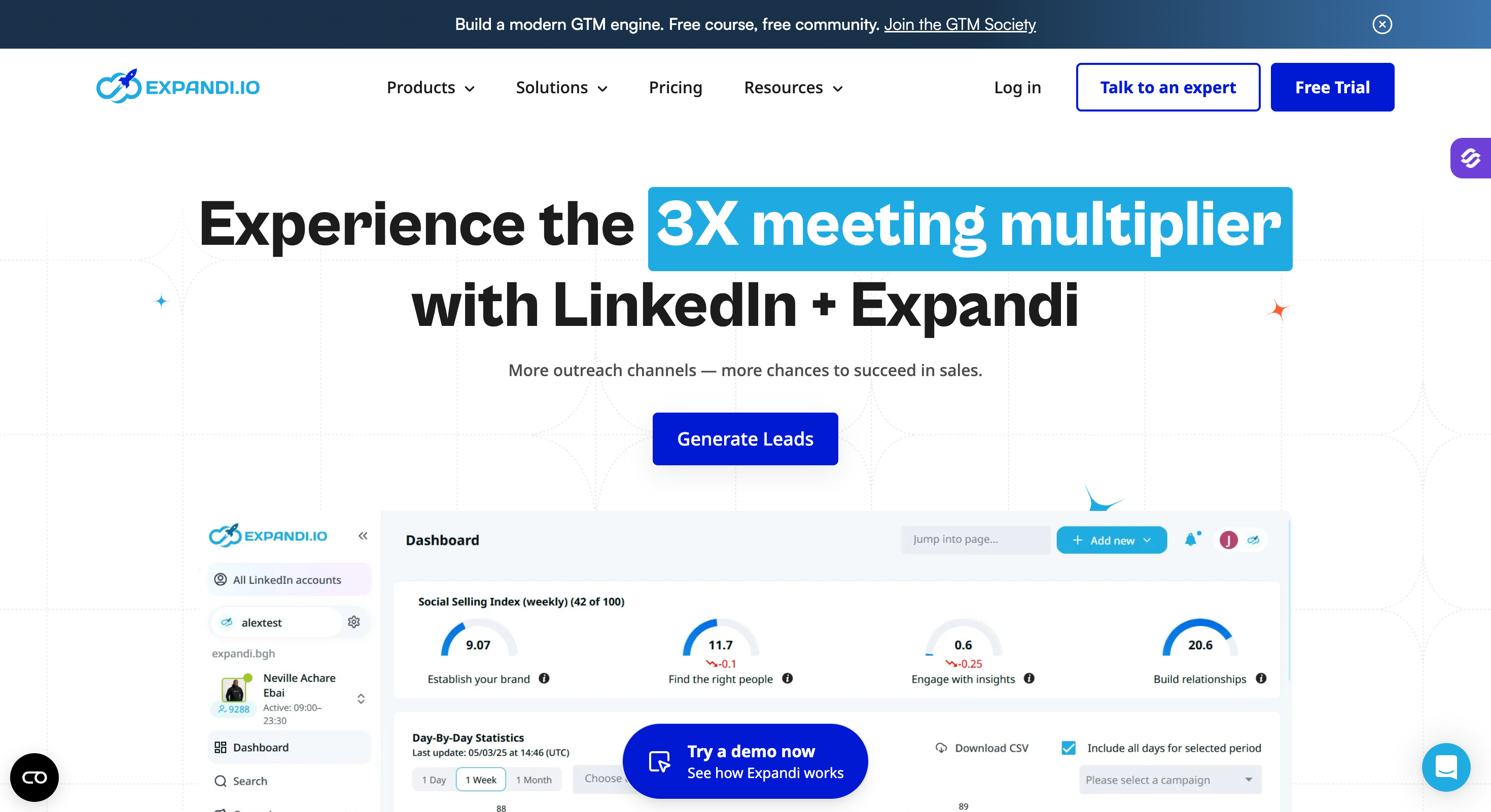
Expandi — Best for the safest LinkedIn-only outreach with dedicated country-based IPs and 11+ campaign types. From $79/account/month (billed annually).
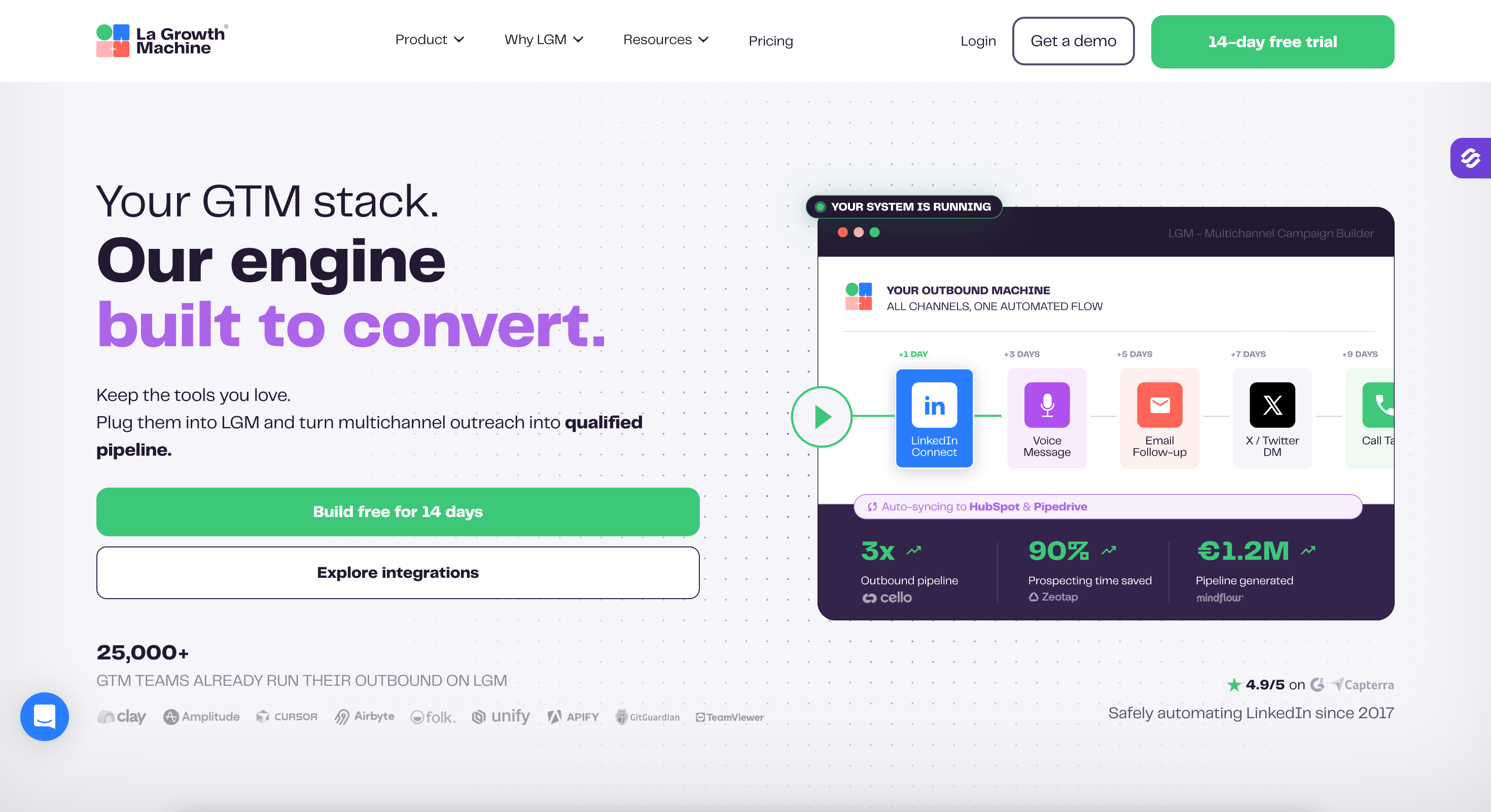
La Growth Machine — Best for true native multi-channel sequencing across LinkedIn, email, X, and calls with AI voice cloning. From €50/month per identity (billed annually).
Lemlist — Best for cold email with creative personalization (dynamic images, landing pages) and built-in Lemwarm warm-up. From $55/user/month (billed annually).
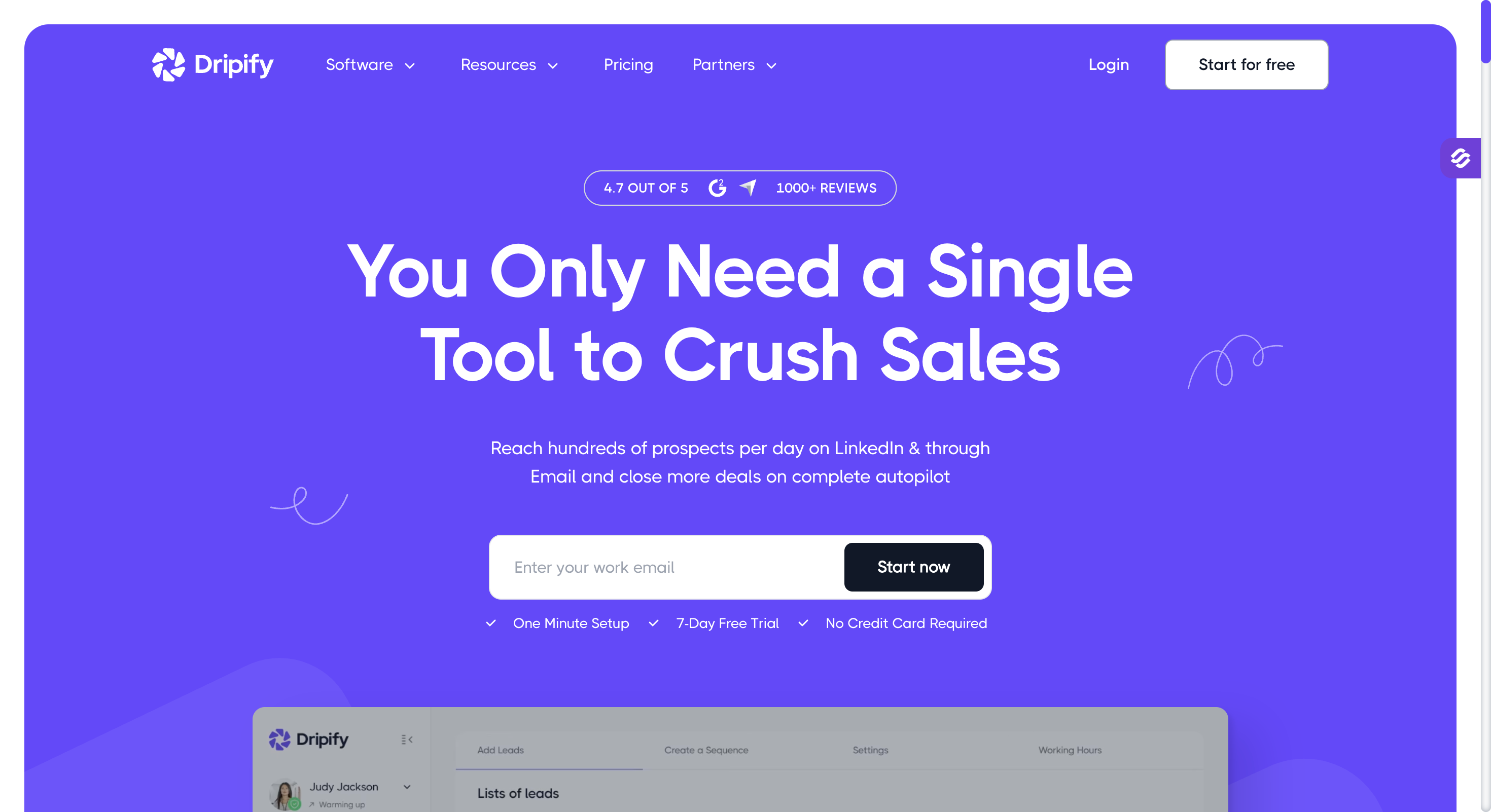
Dripify — Best for simple LinkedIn drip campaigns with a clean visual builder and easy onboarding. From $24/month per account (billed annually).
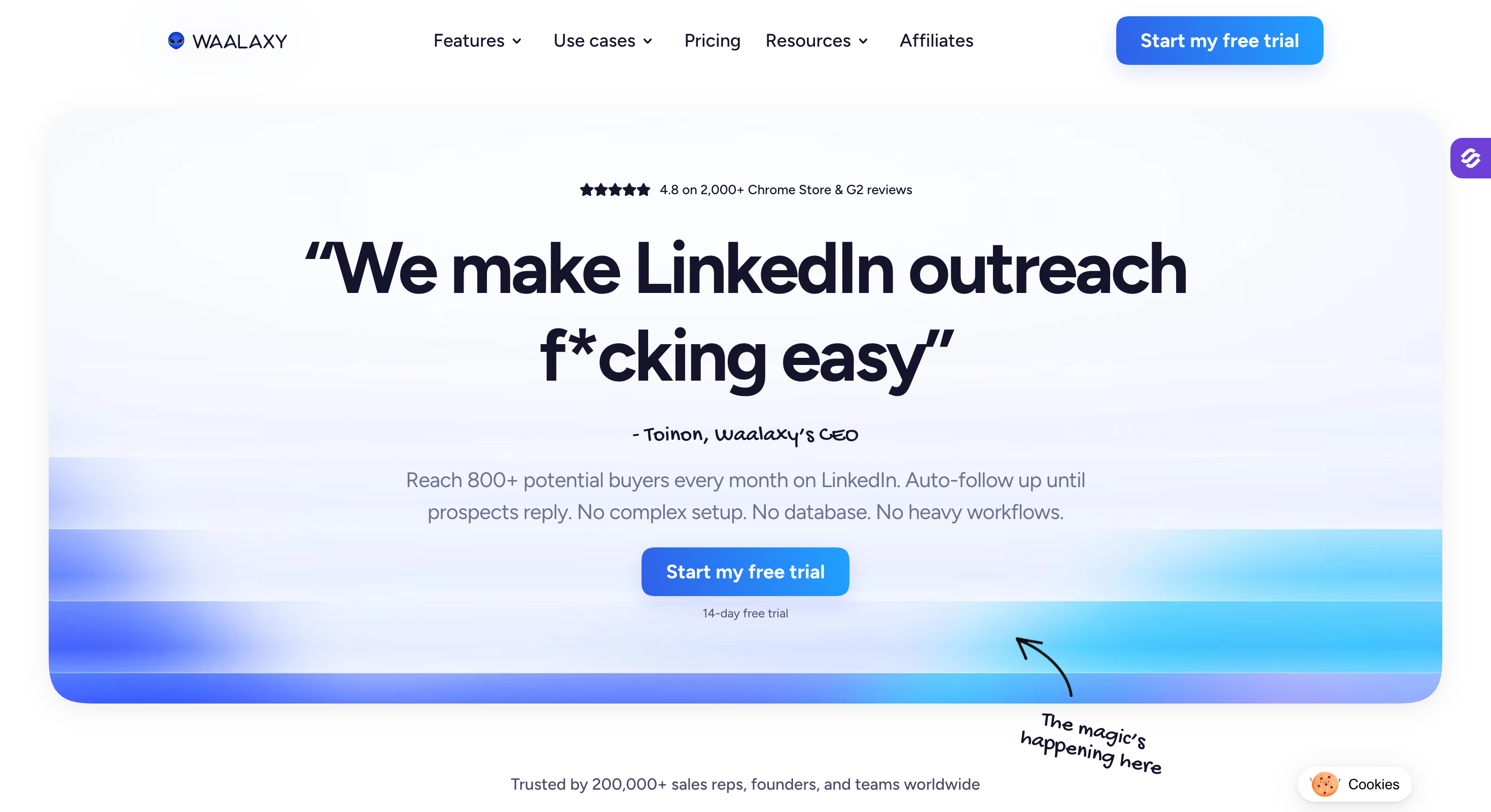
Waalaxy — Best for solo users and beginners on a budget, with a permanent free plan and 99+ pre-built templates. Free, paid from €19/month (billed annually).
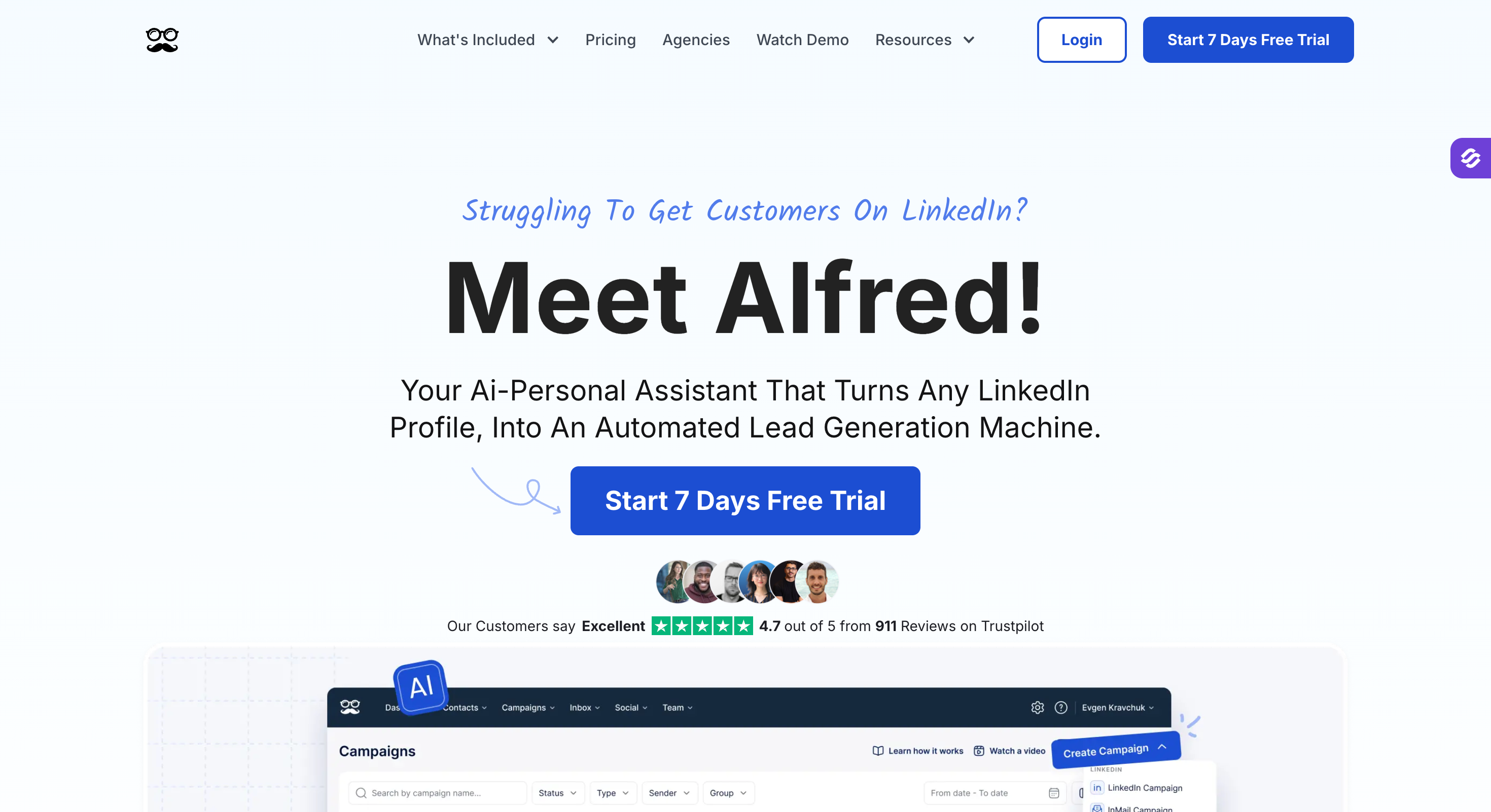
Meet Alfred — Best for solo marketers who want LinkedIn, email, and X under one tool with a built-in CRM. From $29/month (billed annually).
Why People Are Leaving HeyReach in 2026
HeyReach gets a lot right. The unified inbox is clean. Account safety is decent. Agency pricing at scale is fair. None of that is a secret.
But four patterns keep showing up in the conversations I have with HeyReach users looking for alternatives:
1. LinkedIn-only stops working past a certain volume
HeyReach has no native email channel. If your prospect ignores LinkedIn, the only follow-up is another LinkedIn message, which limits linkedin and email outreach in one workflow.
Verified G2 reviewer feedback says it bluntly: “Works great for LinkedIn but you need Instantly on top for email, which gets expensive fast.” That’s a second subscription, a second login, and zero conditional logic between the channels—the main reasons people start switching tools.
2. Per-sender pricing climbs faster than people expect
Starter is $79 per LinkedIn account per month.
Five reps with one account each is $395 a month before you've sent a single message. Agency pricing only makes sense if you're managing 20+ accounts.
3. Agency and Unlimited plans require you to bring your own proxies
Residential proxies run $5 to $15 per LinkedIn account per month.
For a 50-account agency on the Unlimited plan, that's another $250 to $750 monthly on top of the $1,999 base.
4. Support response times slip under load
This is the most common complaint on G2 and points to poor customer support.
One reviewer described “customer support that averages two days to reply” and noted campaigns “don’t start properly and take many more days to send.”
If any of those sound like your situation, the rest of this list is for you.
What I Looked For in a HeyReach Alternative
A buyer's guide is only useful if the criteria match what actually matters. Here's what I weighted:
Multi-channel coverage. Email and LinkedIn at minimum. Bonus points for calls, X, or AI-driven cross-channel conditional logic.
LinkedIn account safety. Dedicated IPs, human-behavior delays, daily limits aligned with LinkedIn's actual thresholds, and a track record of users not getting their LinkedIn account restricted.
Pricing that scales sanely. Tools that triple in cost the moment you add a second rep get marked down.
AI personalization that doesn't feel templated. Merge fields aren't enough in 2026. The best tools generate intros based on LinkedIn data, company news, or recent activity.
Customer support quality. Live chat that actually replies. A documented help desk. Real humans on the other end.
Real user evidence. Every tool below includes verified G2 review counts and quotes. Not testimonials. Not anonymous Reddit takes. G2 reviews with verified buyers.
AI-led email + LinkedIn outreach at scale
with unified pipeline management
Agencies running 10+ LinkedIn sender accounts
LinkedIn account safety with dedicated country-based IPs
Native multi-channel across LinkedIn, email, X, and calls
Simple LinkedIn drip campaigns at a low entry price
1. Salesforge: The Multi-Channel Pick With a Built-In AI SDR
If HeyReach's biggest gap is everything outside LinkedIn, Salesforge is the most direct answer.
It runs cold email and LinkedIn outreach from the same platform, includes its own warm-up engine, and bundles an autonomous AI SDR called Agent Frank.
This is the tool I'd start with if you want to consolidate your stack. Most agencies and outbound teams I talk to are running HeyReach plus Instantly plus a warm-up tool plus an enrichment provider.
Salesforge replaces three of those four.
Salesforge Key Features
Multi-channel sequences combining email and LinkedIn in one conditional flow for teams that need more than LinkedIn-only execution and want to automate linkedin outreach alongside email
Unlimited mailboxes on every plan (no per-mailbox upcharge)
Unlimited LinkedIn senders on the Growth plan for scalable outreach campaigns
AI-powered email personalization using prospect data, LinkedIn profile info, and company context, in 20+ languages natively to support personalized linkedin outreach
Dynamic ESP matching that pairs each campaign with the right email service provider for inbox placement
Mailbox rotation across multiple domains and inboxes
Domain reputation monitoring with real-time deliverability tracking and performance analytics
Primebox unified inbox for email and LinkedIn replies, with Co-Pilot mode (AI drafts, human approves) and Auto-Pilot mode (AI keeps conversations moving autonomously) for managing linkedin messages and personalized messages in one place
Email validation and waterfall lead enrichment built in
CRM integrations with HubSpot, Pipedrive, and API access to fit a broader prospecting workflow
LinkedIn Sales Navigator support
A/B testing and advanced analytics with smart automation features
Agent Frank, an autonomous AI SDR that prospects, writes, follows up, and books meetings end-to-end
Forge Stack ecosystem: pairs with Warmforge for warm-up, Mailforge or Infraforge for infrastructure, Primeforge for Google and Microsoft mailboxes, and Leadsforge for lead data
Salesforge Pros and Cons
Pros
Cons
Multi-channel and AI SDR in one platform
No free plan.
Unlimited mailboxes and warm-up included
Email infrastructure is sold separately via the Forge Stack
Primebox handles email + LinkedIn replies in one place
Agent Frank requires a demo before signup
Pricing doesn't scale per seat
Real G2 momentum: #45 on G2's 2026 Top 100 Fastest Growing Products
4.6 out of 5 stars from 84 verified reviews on G2.
What users actually say:
"Overall, Salesforge has earned a 4.5-star rating from 86 verified reviews on G2." Verified reviewers highlight the AI personalization quality and how fast multi-inbox campaigns can be managed from one place.
"Supercharged AI-generated emails are so good that I can't compete with them and write such copies."
"A lot more cost-effective than humans. Up to 10X cheaper and less hassle than having a sales team."
On the critical side, some reviewers note "the learning curve can be a bit steep at first, especially when setting up advanced sequences or integrations," and a few wish for deeper native CRM integrations beyond HubSpot and Pipedrive.
Salesforge vs HeyReach
Feature
HeyReach
Salesforge
Channels
LinkedIn only
Email + LinkedIn
AI SDR
❌
✅ Agent Frank
LinkedIn senders
Per-seat pricing
Unlimited (Growth)
Email warm-up
Not included
Free via Warmforge
Unified inbox
LinkedIn only
Primebox (email + LinkedIn) with AI reply modes
Starting price
$79/seat/mo
$48/mo flat
2. Expandi: The Safest LinkedIn-First Option
Expandi has built its reputation on LinkedIn account safety.
The headline feature is a dedicated country-based IP per account, and it has more cloud-based safety infrastructure than most of the field.
If your nightmare scenario is waking up to a LinkedIn account restricted notice, Expandi has the strongest story.
That said, it's a LinkedIn-first tool with email tacked on, not a true multi-channel platform. And it's priced like a premium product.
Expandi Key Features
Cloud-based campaigns that run 24/7
Dedicated country-based IP per LinkedIn account
Smart Sequences with conditional logic based on prospect behavior
Dynamic personalization including image and GIF variables
LinkedIn + email outreach (email is a step inside LinkedIn sequences)
11+ campaign types including event invites, post engagement, and Sales Navigator imports
A/B testing for messages
Webhook and Zapier support
Expandi Pros and Cons
Pros
Cons
Dedicated IPs are the strongest LinkedIn safety feature in this list
$99 per seat per month is expensive at team scale
Cloud-based, runs without your computer on
Steep learning curve flagged by multiple G2 reviewers
11+ campaign types cover most LinkedIn use cases
Some users report billing issues after cancellation
Image personalization works well
LinkedIn account restrictions still happen despite safety claims
4.2 out of 5 stars from 129 verified reviews on G2.
"It holds a 4.2-star rating out of 135 reviews" with users praising onboarding and customization. On the critical side, "recurring complaints about billing issues and LinkedIn bans" show up frequently. Multiple reviewers report being charged for more seats than purchased.
Expandi vs HeyReach
Feature
HeyReach
Expandi
Pricing model
Per LinkedIn seat
Per LinkedIn account
Dedicated IP
Proxies (BYO above Starter)
✅ Country-based
Multi-account management
✅ Strong
Moderate
Email outreach
❌
✅ Basic
Learning curve
Moderate
Steep
3. La Growth Machine: The True Multi-Channel Pick
If multi-channel is your priority, La Growth Machine is the tool to test.
It was built from day one as a multi-channel platform, not a LinkedIn tool with email added later. You can run sequences across LinkedIn, email, X, and calls in a single conditional flow.
The trade-off is per-identity pricing that adds up fast and a learning curve that's steeper than simpler tools.
La Growth Machine Key Features
Native multi-channel sequences across LinkedIn, email, X, and calls
Waterfall email enrichment using 9 data providers
LinkedIn voice messages with AI voice cloning
LinkedIn intent data (import people who engaged with posts, events, or company pages)
Unified inbox across all channels
Visual sequence builder
CRM integrations (Pipedrive, HubSpot, Salesforce via Ultimate plan)
La Growth Machine Pros and Cons
Pros
Cons
Best-in-class visual sequence builder
Per-identity pricing punishes team growth
True multi-channel from day one
Some advanced features locked behind Ultimate plan
LinkedIn voice messages with AI cloning
Occasional bugs reported in G2 reviews
Lead enrichment included with waterfall verification
4.6 out of 5 stars from 56 verified reviews on G2.
Users consistently call out the visual sequence builder and multi-channel design. One verified reviewer described it as solving "the problem of lead generation consistency. It enables a steady and recurring flow of leads, which greatly benefits our sales process."
The most common criticism is occasional bugs. G2 reviewers report "sync errors or glitches that disrupt campaigns or contact management" and pricing that scales uncomfortably for larger teams.
La Growth Machine vs HeyReach
Feature
HeyReach
La Growth Machine
Channels
LinkedIn only
LinkedIn + Email + X + Calls
Sequence builder
Linear
Visual, conditional
LinkedIn voice messages
❌
✅ AI-cloned
Multi-account focus
✅ Agency-first
Per-identity pricing
Lead enrichment
❌
✅ Waterfall, 9 providers
4. Lemlist: Cold Email First, LinkedIn Added Later
lemlist is one of the most-recognized names in cold email.
Strong personalization, built-in deliverability via Lemwarm, and a usable database. LinkedIn capabilities exist but are noticeably lighter than tools built around LinkedIn from the start.
This is the right pick if email drives more than half your pipeline and LinkedIn is a supporting channel.
Lemlist Key Features
Cold email sequences with dynamic image and landing page personalization
Lemwarm warm-up included on every plan
LinkedIn invites, messages, and profile visits (on Multi-Channel Expert plan)
WhatsApp automation (add-on)
450M+ contact database
AI-generated message drafts
Inbox rotation
Lemlist Pros and Cons
Pros
Cons
Strongest email personalization in this list (dynamic images, custom landing pages)
LinkedIn capabilities are lighter than dedicated tools
Lemwarm warm-up built in at no extra cost
Pricing per user adds up at team scale
Massive built-in contact database
Database view caps at 30 pages, awkward at scale
Conditional sequences with smart logic
Enrichment credits expire monthly, no rollover
Established product with 1,400+ G2 reviews
Add-ons stack up: WhatsApp, extra senders, calling numbers
4.4 out of 5 stars from 966 verified reviews on G2.
"The multichannel outreach is a real game changer. It allows us to engage prospects across email, LinkedIn and more all within a single, streamlined workflow."
"One limitation I've noticed with lemlist is that the database view is restricted to only 30 pages. This can make it a bit challenging to navigate and manage larger prospect lists efficiently."
4.5 out of 5 stars from 322 verified reviews on G2.
Users like the simplicity. One verified reviewer summarized Dripify as a linkedin outreach tool and broader outreach tool for simple follow-up automation that solves “the problem of inconsistent LinkedIn outreach. It helps us send connection requests and follow-ups so no opportunity is missed.”
Common critical feedback includes pricing for teams and LinkedIn-only limitations. “13% of reviewers mentioned steep pricing” when scaling beyond a single user. It can be the right tool for simple campaigns, but not usually for technical users who want deeper customization or extraction workflows.
Dripify vs HeyReach
Feature
HeyReach
Dripify
Multi-account focus
✅ Strong
Moderate
Email outreach
❌
Limited
Visual sequence builder
✅
✅
Starting price
$79/seat
$39/account
Best for
Agencies 5+ accounts
Solo to small teams
6. Waalaxy: The Free-Tier Entry Point
Waalaxy is the budget pick.
It has a real free plan, an approachable Chrome extension interface, and combines LinkedIn with basic email.
If you've never run automation before and want to test the waters without paying, this is where I'd point you.
The honest caveat: serious users outgrow it quickly, and customer support and refund policies show up as recurring complaints.
4.6 out of 5 stars from 530 verified reviews on G2.
Waalaxy gets praise for being easy to start with. "Waalaxy allows you to prospect automatically on LinkedIn and by email, combining the power of these two channels. You get tenfold results in just a few minutes."
Critical reviews point to stability and refund issues. Users describe occasional crashes mid-campaign and inflexible billing policies once you've cancelled.
Waalaxy vs HeyReach
Feature
HeyReach
Waalaxy
Pricing entry
$79/seat
Free / €19
Interface
Cloud platform
Chrome extension
Email outreach
❌
✅ Basic
Best for
Agencies
Solo testers, beginners
Stability
Strong
Mixed
7. Meet Alfred: The Multi-Channel Add-On With X Support
Meet Alfred has been around longer than most tools here, and it was the first platform to combine LinkedIn, email, and X into single campaigns.
The multi-channel angle and low pricing are appealing on paper. The G2 rating tells a different story about execution.
I'm including this because it shows up in every HeyReach alternatives list and it does serve a specific buyer: solo marketers who want X integration alongside LinkedIn and email.
Meet Alfred Key Features
LinkedIn + Email + X (Twitter) in unified campaigns for agencies managing multiple clients
Built-in CRM with contact tagging
Smart inbox across channels
600+ message templates
AI Coach for campaign feedback
Social media post scheduling
White-label option
Meet Alfred Pros and Cons
Pros
Cons
Multi-channel including X for agencies managing multiple clients
3.3 out of 5 stars from 32 verified reviews on G2.
Positive reviewers like the multi-channel campaigns and pricing. The critical reviews are blunt. Users report "connectivity issues and poor customer service" as well as "long response times" and generic support replies.
Meet Alfred vs HeyReach
Feature
HeyReach
Meet Alfred
Channels
LinkedIn only
LinkedIn + Email + X
G2 rating
4.6/5
3.3/5
Customer support
Mixed (2-day reply avg)
Frequently flagged as weak
Built-in CRM
❌
✅
Best for
Agencies
Solo marketers wanting X
Is LinkedIn Automation Safe in 2026?
This question comes up in every conversation I have with someone looking to switch. The short answer: it’s safer than it was two years ago, but no automation tool is risk-free. With a non-compliant setup, a linkedin account banned outcome is still possible.
Three things separate the safer tools from the riskier ones:
Cloud-based vs browser extension. Cloud platforms like Expandi, HeyReach, and Dripify run on dedicated servers with controlled IP addresses. Chrome extensions like Waalaxy and Linked Helper run from your browser, which LinkedIn can fingerprint more easily.
Dedicated IPs. Expandi’s main differentiator is a country-based IP for each LinkedIn account. HeyReach’s Starter plan includes residential proxies. Most other tools share IPs.
Human-behavior delays. Safer tools mimic human behavior with random delays, gradual warm-up, and lower action pacing. The bad ones blast 100 connection requests on day one and your LinkedIn account gets restricted within the week.
LinkedIn’s January 2026 policy update capped connection requests at around 100 per week per account, which made daily-limit compliance directly tied to account safety. In 2026, improperly configured or non-compliant tools are seeing ban rates around 23%, while compliant cloud-based tools using these safety patterns report less than 1%.
If LinkedIn account safety is the single most important factor for you, Expandi is the safest pick in this list. If you want safety plus multi-channel, Salesforge runs LinkedIn outreach through controlled sender rotation alongside email, which keeps individual LinkedIn account activity lower per sender.
Multi-Channel vs LinkedIn-Only: Which Actually Wins?
Every HeyReach alternative on this list except Dripify and Meet Alfred offers some version of multi-channel.
There’s a reason.
In practice, combining channels in one system usually outperforms relying on multiple tools stitched together.
LinkedIn-only campaigns hit a ceiling around 20 to 30 percent reply rates with strong targeting. The moment you add email as a second channel, that climbs into the 40s. Tools that orchestrate broader outreach efforts across LinkedIn, email, calls or X push past 50 percent reply rates with the same audience.
The math is simple. More touchpoints across more channels equals more conversations. The prospect who ignores your LinkedIn message often responds to a well-timed email two days later.
This is the structural reason HeyReach is losing buyers in 2026 even when their product itself is fine. LinkedIn-only is a feature, not a strategy, and the buyers who get this are looking for tools that treat email outreach and LinkedIn as a coordinated motion.
Salesforge is built around this idea: conditional sequences that check whether a lead has a verified email or LinkedIn profile before sending the next step, with Primebox pulling replies from both channels into one inbox so the rep doesn’t have to context-switch, and using signals like funding announcements to time outreach more effectively.
Final Verdict
Most articles like this end the same way: line up each tool, give a one-line recap, declare the sponsor the winner. I'd rather skip the choreography.
HeyReach is fine. That's the honest read. It's a tight LinkedIn tool with strong agency economics above 10 senders and an inbox most agencies use daily.
But you're reading this because you're not inside that lane. You need email running alongside LinkedIn. You need warm-up that isn't a second invoice. You'd hire an SDR if a decent one didn't cost $80,000 a year.
Salesforge is what HeyReach becomes when LinkedIn is one channel in your motion, not your entire motion.
Pro at $48 a month, Growth at $96 with unlimited LinkedIn senders, free Warmforge warm-up, AI personalization in 20+ languages, and Primebox handling email plus LinkedIn replies in Co-Pilot or Auto-Pilot mode.
HeyReach is one of the safer LinkedIn automation tools because it runs cloud-based with dedicated residential proxies on the Starter plan. However, account restrictions still happen, especially with aggressive daily limits or poorly personalized messaging.
What's the cheapest HeyReach alternative?
Waalaxy has a permanent free plan with 80 LinkedIn invitations per month, and paid tiers start at €19. Dripify's Basic plan at $39 per account is the cheapest paid tool with serious functionality.
Can I use multiple LinkedIn automation tools at the same time?
No. Running multiple accounts or two tools in parallel on the same LinkedIn account can trigger LinkedIn’s spam detection and put your account at risk of restriction. Pick one platform and commit.
Do I need LinkedIn Sales Navigator to use these tools?
No. Every tool in this list works with free LinkedIn accounts. Sales Navigator gives you better search filters and more InMail credits, but it's optional, not required.
Which HeyReach alternative is best for solo founders?
Dripify at $39 a month or Waalaxy's free plan if you're testing. If you want email plus LinkedIn from day one, Salesforge Pro at $48 covers both channels with unlimited mailboxes and warm-up included.
What's the best HeyReach alternative for agencies?
If you’re running 10+ LinkedIn senders and need to scale LinkedIn outreach across teams, HeyReach’s Agency plan at $999 for 50 senders is still competitive on per-account economics. The honest alternative for agencies that need email plus LinkedIn is Salesforge Growth at $96 a month with unlimited LinkedIn senders, unlimited users, and unlimited mailboxes.
How do I avoid getting my LinkedIn account restricted?
To avoid restrictions, choose a compliant linkedin automation tool and follow platform limits: stay under 100 connection requests per week, use personalized messages rather than generic merge-field output, choose cloud-based tools rather than browser extensions, warm up new accounts gradually, and pick tools with randomized human-behavior delays. Linked Helper, Expandi, and Salesforge all build these safeguards in by default.
Cold email AI tools in 2026 do more than write emails. Compare the best AI cold email tools for deliverability, prospecting, outreach, and AI SDR workflows.


.jpg)

.jpg)

.jpg)


