Most tools claim to support white label LinkedIn lead generation.
They don’t.
You only realize this when you try to use them for clients.
you can’t give each client their own login without exposing the tool the platform name still shows up in dashboards and emails reports look like tool exports, not your service and once you handle 5+ clients, you’re managing multiple LinkedIn accounts manually That’s the real problem.
Because white label LinkedIn lead generation is not about sending messages.
It’s about running LinkedIn outreach as a repeatable, client-facing service under your own brand.
In this blog, I broke down 5 tools based on how they actually perform in this setup.
I focused on:
real white-label capability multi-client account control and whether you can package this into a monthly service So you can pick the tool that actually works for how you want to run your business.
Let’s get into it.
How I Evaluated 5 LinkedIn Lead Generation Tools You Can White Label? I evaluated these tools while trying to run white label LinkedIn lead generation for multiple clients at the same time.
The goal was to run LinkedIn outreach under my brand without operational issues.
Here’s what I checked:
Branding → Does the tool show its name anywhere to the client? Client accounts → Can I manage multiple LinkedIn accounts from one place? Client access → Can I give clients login without exposing the tool? Reporting → Can I send reports as-is, without editing them? Pricing → Can I mark up and sell this as a monthly service?That’s the filter I used for every tool in this list.
5 LinkedIn Lead Generation Tools You Can White Label: Quick Comparison
Feature
Salesforge
Skylead
Expandi
HeyReach
SalesRobot
White-label type
Full reseller
Full (agency)
Rebranded
Rebranded
Full (flexible)
Branding
Full platform
Platform + support
UI + domain
Domain + UI
Domain + app
Client access
Branded platform
Branded platform
Rebranded tool
Rebranded tool
Branded platform
Channels
LinkedIn + Email
LinkedIn + Email
LinkedIn + Email
LinkedIn + Email
LinkedIn + Email
Billing control
Flexible + rev share
Seat-based
Custom
Custom
Full control
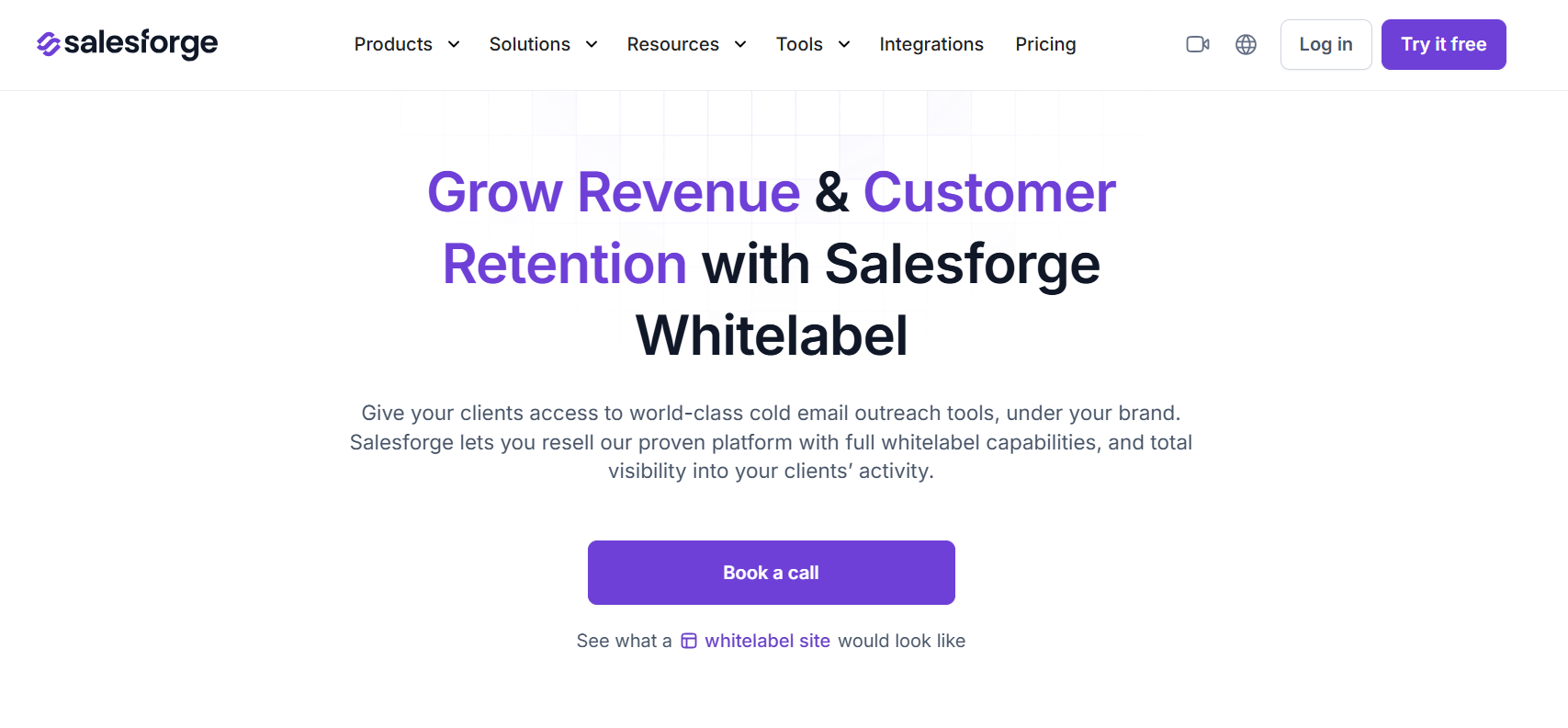
1. Salesforge This image shows the Salesforge whitelabel homepage Salesforge is an outbound platform that lets you resell the full outreach platform with full white-label capabilities.
It lets me offer a fully branded system where clients can access their own workspace, instead of me running campaigns behind the scenes.
I can manage multiple client accounts from one dashboard, track campaign performance, and control everything without switching tools.
The platform is customizable, so branding, dashboards, and client experience can be adjusted to match my service.
For example:
If I run outreach for 5 SaaS clients, each one gets their own login and dashboard under my brand.
They can see campaigns, replies, and performance, while I manage everything from one place.
So instead of just using a tool, I can package this as a structured outbound service with my own branding.
Key Features of Salesforge The platform runs with a branded setup, so Salesforge is not visible in the client experience. Each client gets a separate workspace, which keeps accounts and campaigns isolated. Clients get direct access to their own workspace, without exposing the backend setup. LinkedIn outreach is combined with email, which helps reduce dependency on LinkedIn limits. Campaigns, replies, and performance are available in one place, reducing the need for additional tools. Pros & Cons of Salesforge
Pros
Cons
Feels like your own product, not a tool
Clean multi-client setup (no hacks)
Supports real white-label workflows
Works for scaling beyond 1–2 clients
Includes email, not LinkedIn-only
Takes time to set up properly
Salesforge Pricing Salesforge’s white-label program has no upfront cost, so you don’t need to invest anything to get started.
It also gives ~20% revenue share and lets you set your own pricing, so you can sell it as a service and keep your margins.
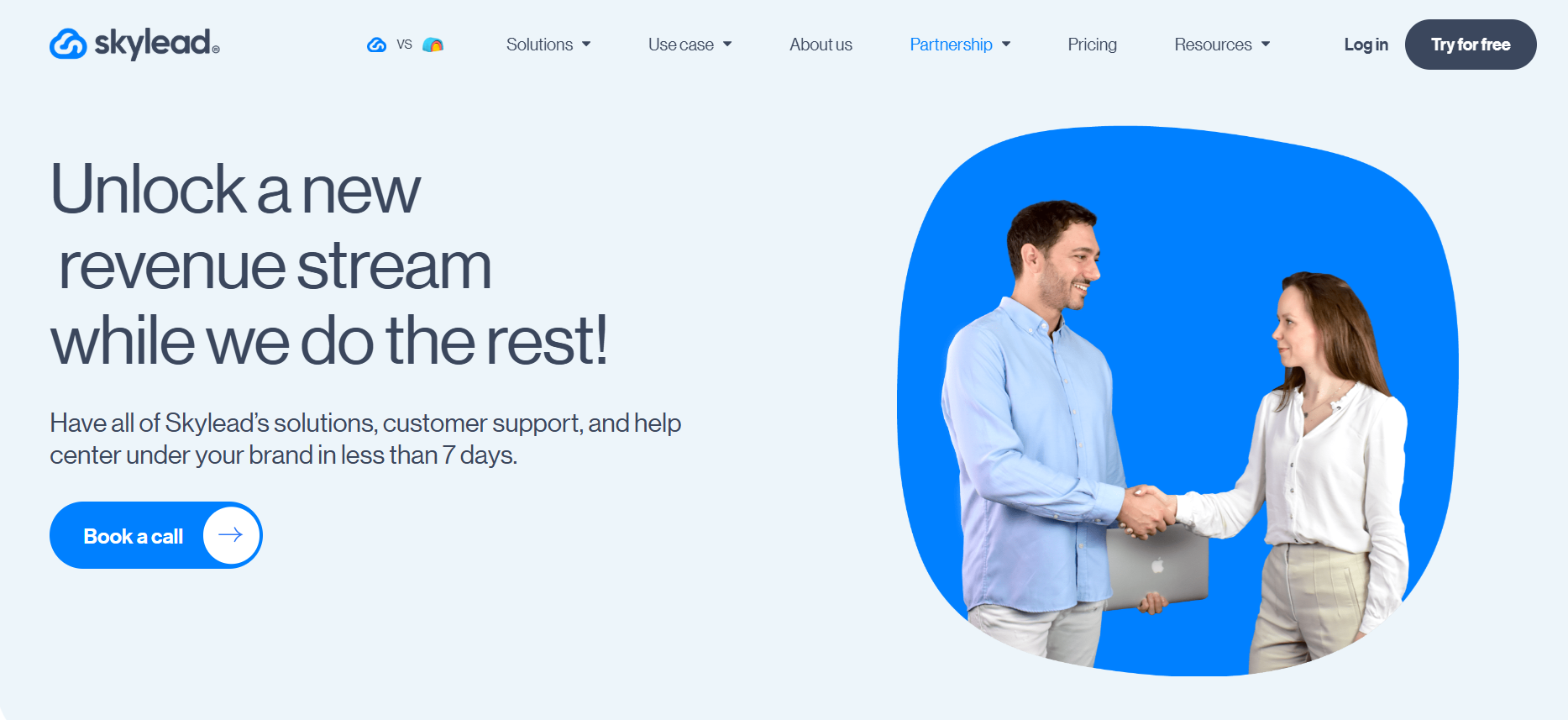
2. Skylead This image shows the Skylead white label homepage Skylead is a LinkedIn automation tool that you can white-label and use to run outreach for clients.
It lets you send connection requests, follow-ups, and messages on LinkedIn, along with email automation, from one platform.
From what I’ve seen, this is where it becomes useful for agencies.
With the white-label setup, the platform is branded with your name and runs on your subdomain.
Clients use it without seeing Skylead.
For example, your client logs in at app.youragency.com instead of Skylead.
And everything they see is under your branding, not Skylead’s.
You also get an agency dashboard to manage all client accounts, assign roles, and control access.
Skylead handles customer support and help center under your brand, so client queries are managed without adding extra workload.
Key Features of Skylead Skylead provides a fully branded platform, including UI, domain, and client-facing experience. Client support and help center run under your brand, reducing operational load. The platform can be launched in under 7 days, so setup is fast. It includes LinkedIn + email outreach (social + email automation) in one system. A dedicated success manager and Slack channel provide ongoing guidance and support. It supports tiered pricing based on seats, which helps improve margins as you scale. Pros & Cons of Skylead
Pros
Cons
Full white-label including support
Fast setup (under 7 days)
Built for agencies (dashboard + roles)
Reduces operational workload
Requires sales call for pricing
Pricing not transparent
Depends on seat-based scaling
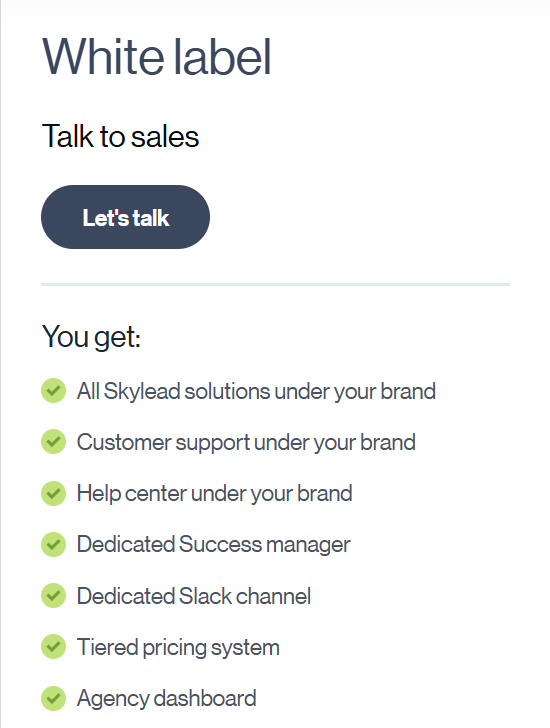
Skylead Pricing This image shows the SkyLead pricing Skylead’s white-label pricing is custom and tiered based on the number of client seats.
There are no long-term contracts required.
This means you can start small, scale pricing as you add clients, and improve margins as your volume increases.
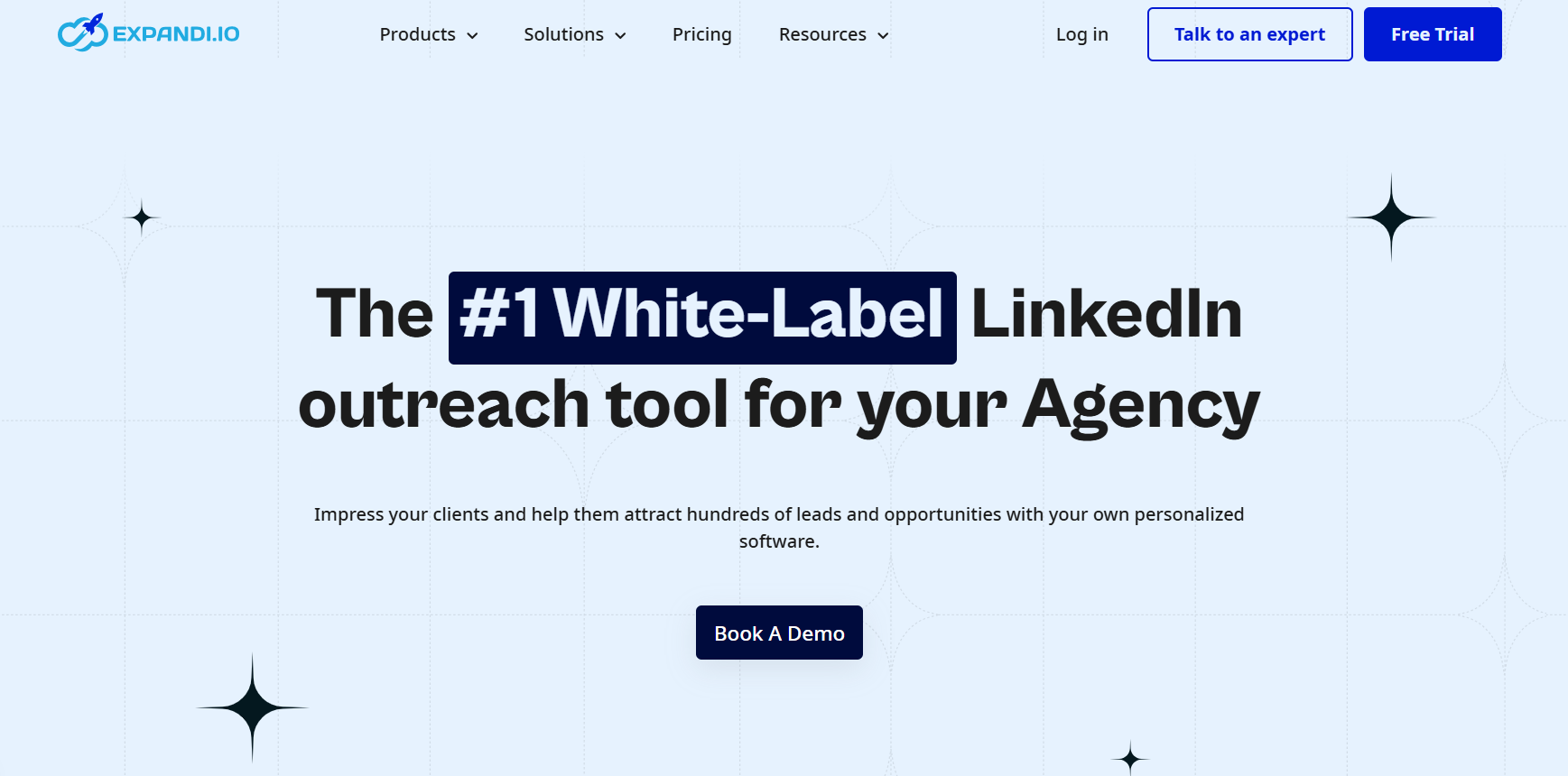
3. Expandi This image shows the Expandi white-label homepage Expandi is a LinkedIn outreach tool that also offers a white-label setup for agencies.
It sends connection requests, follow-ups, and messages on LinkedIn.
With white-label, you change the look:
your logo your colors your domain So clients don’t see Expandi.
But you still use Expandi to run campaigns.
White-label only hides the name and shows your branding
You are not giving clients your own system.
Rather, you are using Expandi, but showing it as your own.
Key Features of Expandi Expandi provides a customizable white-label dashboard, including logo, colors, and domain. It lets you manage multiple LinkedIn accounts from one place, which is useful when handling multiple clients. You can track connections, replies, and leads, and manage inboxes and reports for each client. It supports roles and permissions, so you can control what clients or team members can access. LinkedIn outreach includes multi-step campaigns, connection requests, and follow-ups. It also supports email follow-ups, so you can run simple multichannel outreach. Pros & Cons of Expandi
Pros
Cons
Strong LinkedIn campaign features
Custom branding (logo, domain, UI)
Good multi-account management
Built for outreach performance
White-label is add-on, not core
Requires sales plan for white-label
Less control vs full reseller models
Expandi Pricing Expandi’s white-label setup is available on custom agency plans (typically for 10+ seats) .
Pricing depends on usage and number of accounts.
This means you can scale with more clients, but you need to go through a sales setup instead of fixed pricing.
4. HeyReach This image shows the Glance at whitelabel experience at HeyReach HeyReach is a LinkedIn outreach tool that supports white-label on agency plans.
It is mainly built for teams that run multiple LinkedIn accounts at the same time.
You can set your own domain and branding, so clients access the platform without seeing HeyReach.
What I found useful is how it handles scale.
Instead of running one LinkedIn account at a time, I can connect multiple accounts and rotate activity between them.
Everything is managed from one dashboard, including campaigns, messages, and replies.
So for me, it works when I want to run LinkedIn outreach for multiple clients.
And keep everything under my own branding.
Key Features of HeyReach HeyReach supports white-label with a custom domain, logo, and branding, so clients do not see HeyReach in the client-facing setup. The system automatically rotates LinkedIn senders, which helps distribute activity and reduces the risk of hitting limits. A central dashboard is provided to manage campaigns, messages, and replies across all connected accounts. The platform supports automated LinkedIn actions such as connection requests, messages, and follow-ups through sequences. Pros and Cons of HeyReach
Pros
Cons
Works well for multi-account outreach
Easy to manage all accounts in one place
Strong LinkedIn automation features
White-label only on higher plans
Not built as full reseller system
Requires setup to scale properly
HeyReach Pricing HeyReach white-label is available on Agency or Unlimited plans, so you need to be on higher tiers to access it.
Pricing is not fixed for white-label, and you usually need to contact their team to enable it.
This works better if I already have clients and need to scale outreach across multiple LinkedIn accounts.
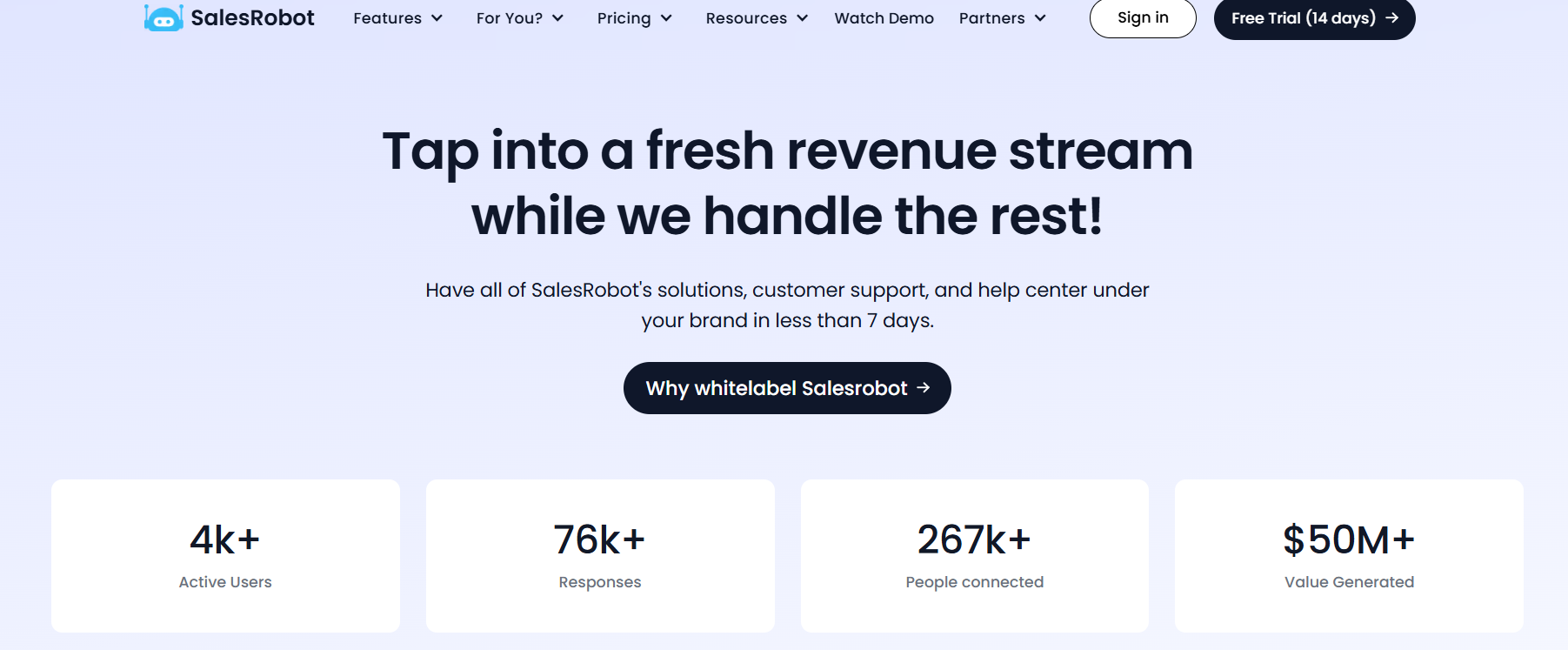
5. SalesRobot This image shows the SalesRobot homepage SalesRobot is also a LinkedIn automation tool that offers a white-label setup for agencies.
It lets you run LinkedIn and email outreach for clients under your own brand.
With white-label, you get a setup with your domain, logo, and app name, so clients log in and use it without seeing SalesRobot.
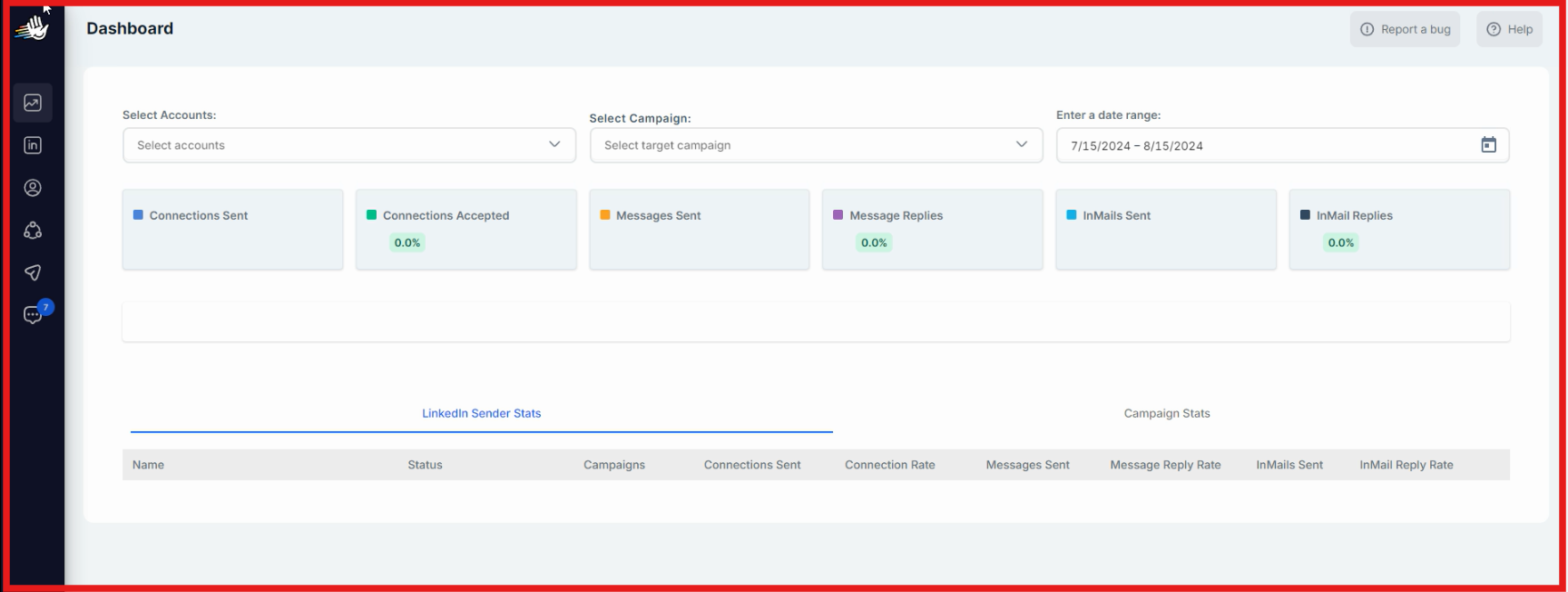
You can manage all clients from one place, create campaigns, track inboxes, and monitor performance.
It also supports different billing setups (SaaS mode or direct payments), depending on how you want to charge clients.
Key Features of SalesRobot SalesRobot supports white-label with custom domain, logo, and app name, so clients use the platform under your branding. The platform allows managing multiple client accounts and campaigns from one dashboard. LinkedIn outreach includes connection requests, messages, and follow-ups, along with email automation. The system provides client management tools, including viewing accounts, campaigns, and activity. It supports custom billing setup (SaaS or direct payments), depending on how you want to charge clients. Support and help center can run under your brand, reducing manual support work. You can keep 100% of the profit from your clients. Pros and Cons of SalesRobot
Pros
Cons
Full white-label with branding control
Flexible billing (SaaS or direct payments)
Supports LinkedIn + email outreach
Central client management
Requires domain setup (DNS configuration)
Manual client onboarding needed
SalesRobot Pricing SalesRobot’s white-label setup allows you to keep 100% of the revenue from your clients.
You can:
run it in SaaS mode using tools like Chargebee or collect payments directly using your own setup This gives flexibility to structure it as a service or a product, based on how you want to operate.
Personalized Outbound Strategy
Get The Right Outbound Strategy In Minutes
Enter your email to get a custom plan & stack recommendation for your
business
It's being carefully crafted by AI
Please check your mailbox in 5 minutes
Which White Label LinkedIn Lead Generation Tool Should You Choose? The choice comes down to how you want to run your business.
If if you want to resell the full outreach platform under your brand , Salesforge is the better fit. If you want to offer LinkedIn outreach as a managed service, Skylead works well. If you prefer to rebrand a tool and run campaigns behind the scenes, Expandi and HeyReach are simpler options. If you want full control over billing and revenue, SalesRobot gives you that flexibility. All tools let you white-label LinkedIn outreach.
But the difference is in how they work:
Expandi / HeyReach → run campaigns with branding Skylead → adds support under your brand SalesRobot → adds billing control Salesforge → adds client access and workspaces Many users want a setup where clients can log in, access workspaces, and control pricing.
If that’s what you’re looking for, you can explore Salesforge white-label and see if it fits your workflow.